
Salesforce orgs don’t stay simple little organisms for long.
Automations multiply. Flows branch. Triggers pile up. Apex grows teeth. Before anyone notices, the logic landscape becomes dense — and hard to reason about quickly. (*Sniff, they grow up so fast*)
When documentation is missing or unreliable, teams move slower because they lack clarity. This shortage means time gets burned deciphering what already exists instead of delivering something new.
Here’s the part most leaders miss:
Documentation doesn’t have to slow delivery. Done right, it speeds it up.
Good documentation fuels faster debugging, safer changes, smoother onboarding, and more confident decisions. It becomes part of velocity — not a writing tax on it.
The pain rears its ugly head first in very real delays.
Developers hesitate before making changes because they don’t understand downstream impact. New team members need long and complex walkthroughs just to get oriented. Production issues take longer to diagnose because the “why” behind the logic is unclear.
These costs compound over time.
Most documentation efforts fail for the same predictable reasons.
First, documentation lives in a separate silo. It sits in a wiki or shared drive, disconnected from the Salesforce configuration itself. When changes happen, updates get skipped.
Second, it goes stale fast. If documentation isn’t tied to real changes, trust erodes quickly — and once teams stop trusting docs, they stop using them.
Finally, the process is too heavy. Long narrative templates feel like busywork when delivery pressure is high, so they get deprioritized.
If documentation is going to stick, the mental model has to change.
Effective documentation stays close to the logic. It lives with the metadata— in flow labels, descriptions, annotations, comments, and generated diagrams — so it evolves alongside the system.
It’s also discoverable. If you can’t find documentation from where you’re already working (tickets, code reviews, or setup) it might as well not exist.
And it’s automated wherever possible. Manual documentation is fragile by nature.
Teams don’t need a massive overhaul to improve documentation. Small, low-friction patterns go a long way.
Short descriptions directly in flow labels, custom field descriptions, and Apex comments ensure context stays attached to the logic itself. Purposeful comments —focused on why a rule exists, not just what it does — prevent future guesswork.
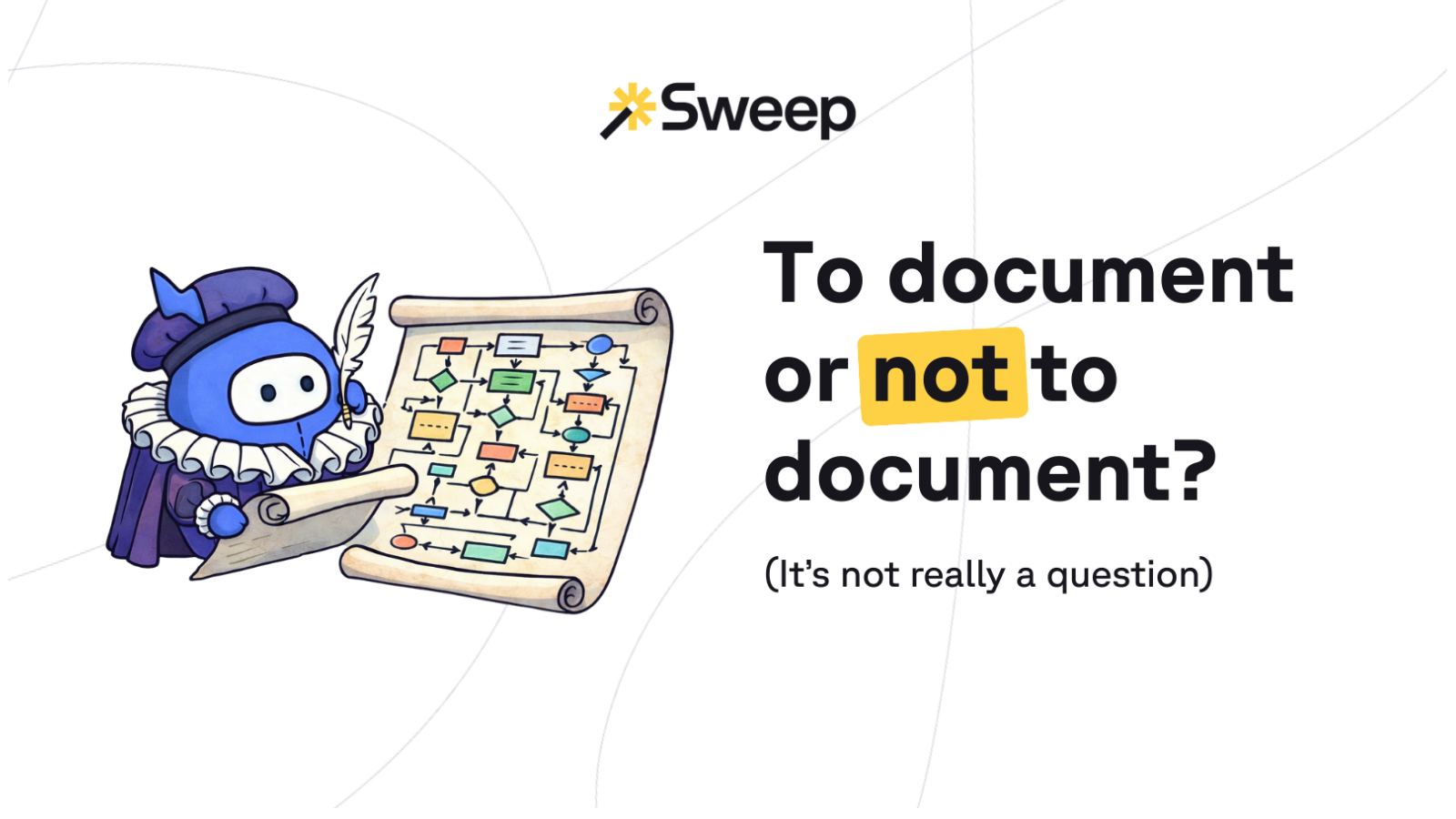
For more complex automations, versioned diagrams help teams reason visually. When those diagrams live alongside source control or deployments, they stay relevant instead of becoming artifacts.
Lightweight documentation in tickets also matters. A simple logic snapshot( e.g. “This flow reads X, evaluates Y, and writes Z”) creates shared understanding before changes ship.
The most scalable teams automate as much of this as possible: generating diagrams from metadata, producing post-deployment diffs that show what changed, and reusing small, consistent templates instead of long narratives.
The common thread is low overhead and tight alignment with delivery.
Modern Salesforce teams already have most of what they need.
Source tracking via Salesforce DX ties metadata changes to commits. Metadata analyzers can surface annotations and dependencies automatically. Diagram generation tools turn configuration into living visual maps.
When documentation is a by-product of delivery, it stops feeling like extra work.
Documentation only sticks when it’s embedded into how teams already operate(!)
Some teams include a small documentation artifact as part of their Definition of Done. Others treat logic walk-throughs as a normal part of peer review. Many automate reminders or checks in CI/CD so documentation doesn’t get skipped under pressure.
The exact mechanics matter less than the principle: documentation isn’t a separate phase. It’s part of shipping.
Documentation isn’t the enemy of speed. Bad documentation is.
When teams document close to the logic, automate wherever possible, and make artifacts easy to find and trust, clarity compounds. Cognitive drag drops. Changes ship faster — and safer.
Done right, documentation doesn’t slow delivery. It’s what lets teams move with confidence as your org's complexity grows and grows and grows.