Build Salesforce automations that scale
Automate repetitive tasks, streamline workflows, and maintain data integrity with Sweep’s no-code automation engine built for Salesforce Admins and RevOps teams.

Automations features and capabilities
Automations that run your Salesforce
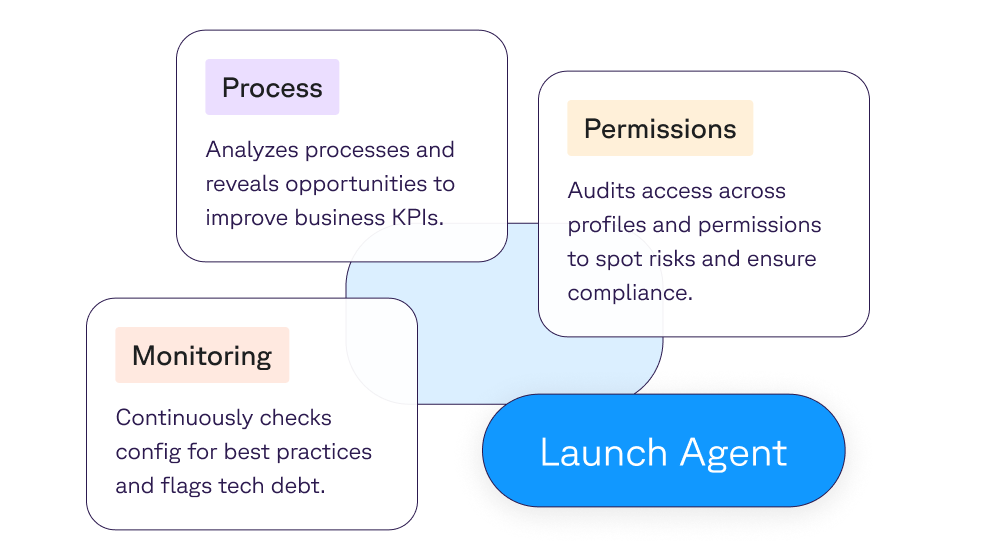
Sweep turns Salesforce events into precise, reliable actions using an intuitive “If This, Then That” model. Triggers, conditions, and actions work together to keep data clean, move work forward, and remove manual busywork for RevOps and admins.
- Orchestrate end-to-end processes across standard and custom objects
- Enforce data hygiene and governance with consistent, repeatable logic
- Scale operations without code, fragile flows, or maintenance overhead
No-code builder designed for admins
Sweep puts automation in the hands of the people closest to the process. Its visual canvas and deployment controls mean admins can move fast without relying on developers.
- Drag-and-drop interface for building and editing automations
- Visual indicators show deployed automations across objects and funnels
- Sandbox and production deployment with rollback options
Triggers built for every use case
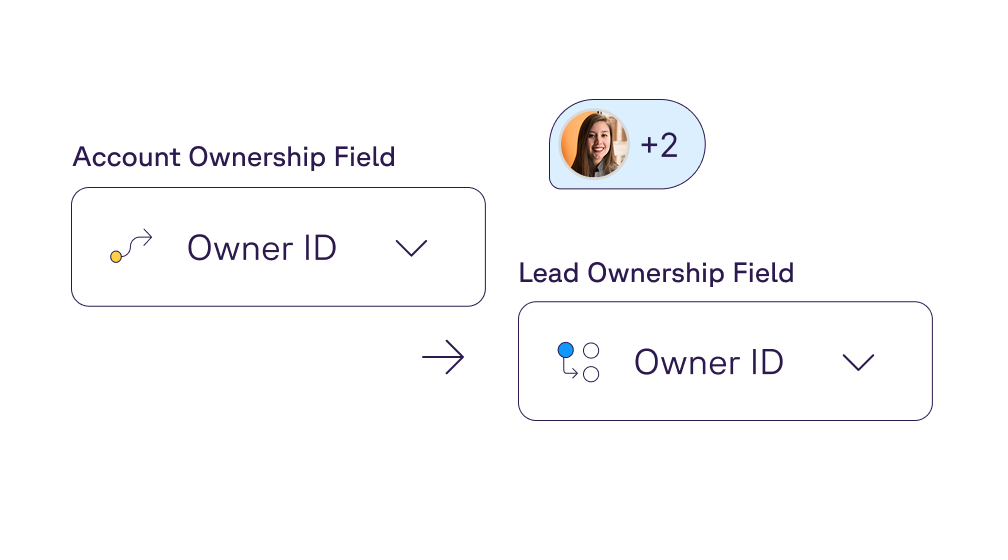
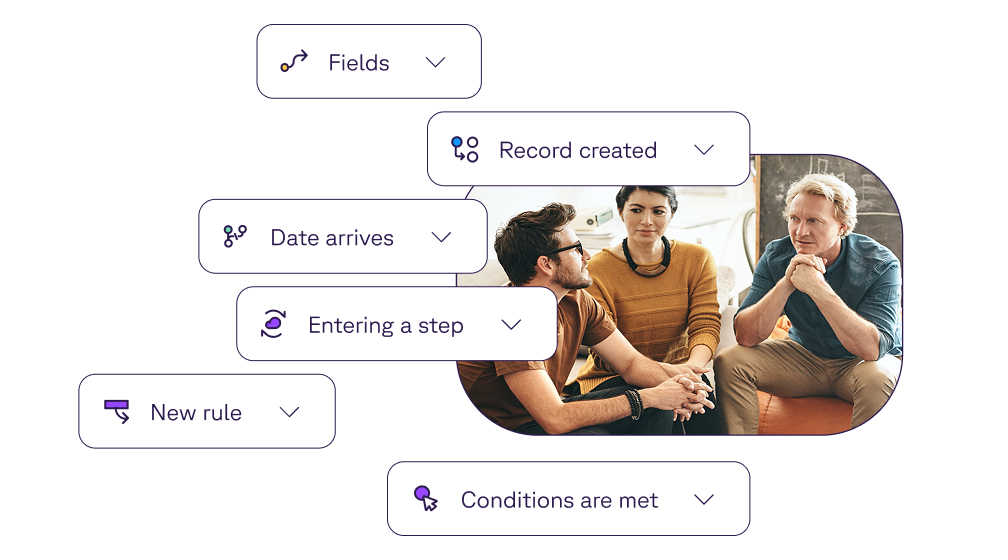
From field updates to funnel stage changes, Sweep’s trigger library makes it easy to capture the right moment for automation to run. Whether you need a daily schedule, a record insert, or a stage exit, Sweep provides the flexibility to cover all scenarios.
- Data triggers: on create, update, or field changes
- Time-based triggers: schedule recurring jobs or date-based actions
- Funnel triggers: run actions on step entry, exit, or time-in-step
Smarter conditions for precision automation
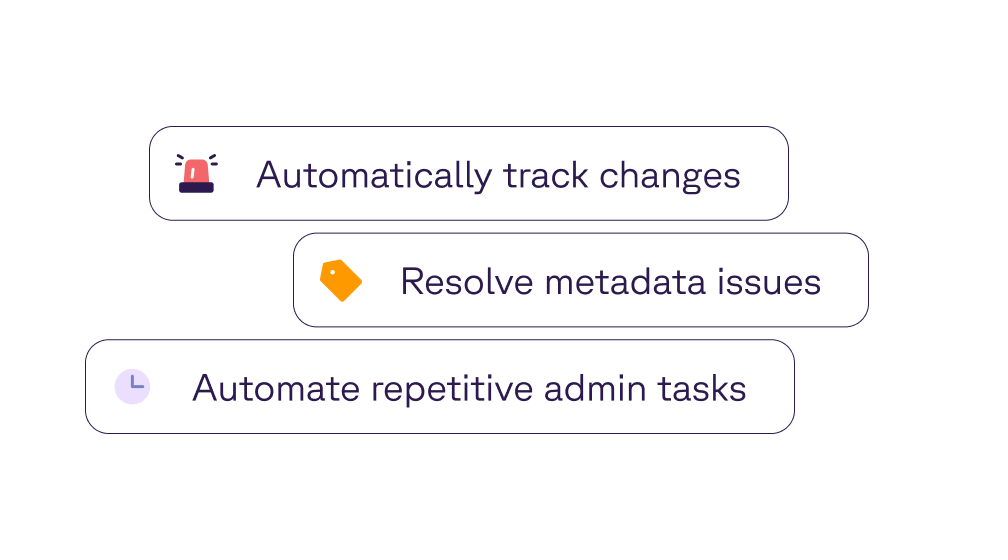
Automations should only fire when it matters. Sweep lets you refine triggers with conditions that narrow down records, thresholds, and business logic—so every action is relevant and purposeful.
- Apply advanced logic with AND/OR operators across any field
- Filter by revenue, score, stage, or custom attributes
- Carry conditions across related records like Lead → Opportunity → Product
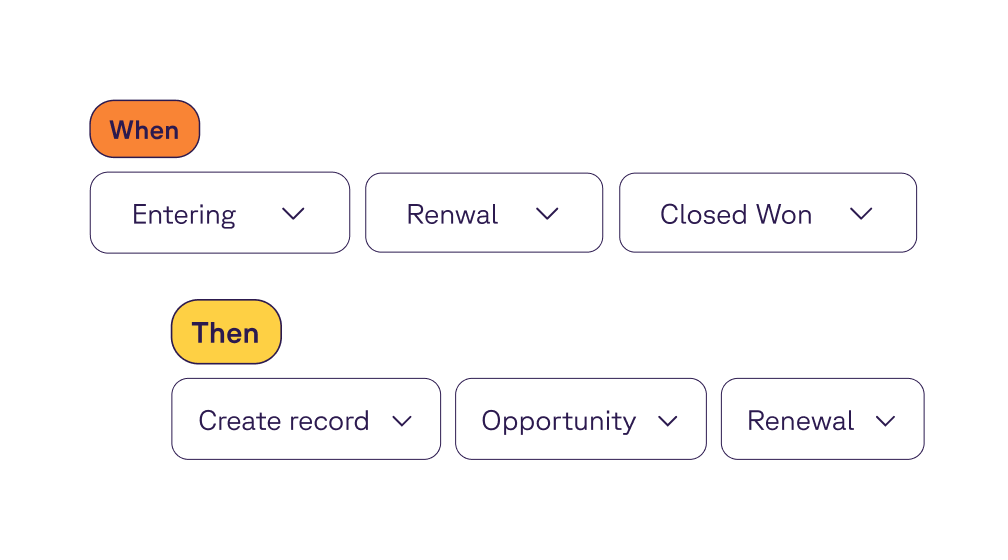
Actions without limits
With Sweep, automation outputs aren’t constrained to a single record update. Admins can launch multi-step workflows that update, create, notify, and even extend into custom code.
- Update this record or any related object (Accounts, Tasks, Contacts)
- Create tasks, opportunities, or product line items dynamically
- Send alerts via Slack, Salesforce, or email
Performance at enterprise scale
Sweep is designed to run reliably at volume. Its architecture avoids governor limits, supports bulk processing, and ensures automations run smoothly even in the most complex orgs.
- Smart job chaining to prevent bottlenecks and failures
- Asynchronous background processing to optimize performance
- Schedule hundreds of recurring jobs without hitting Salesforce caps
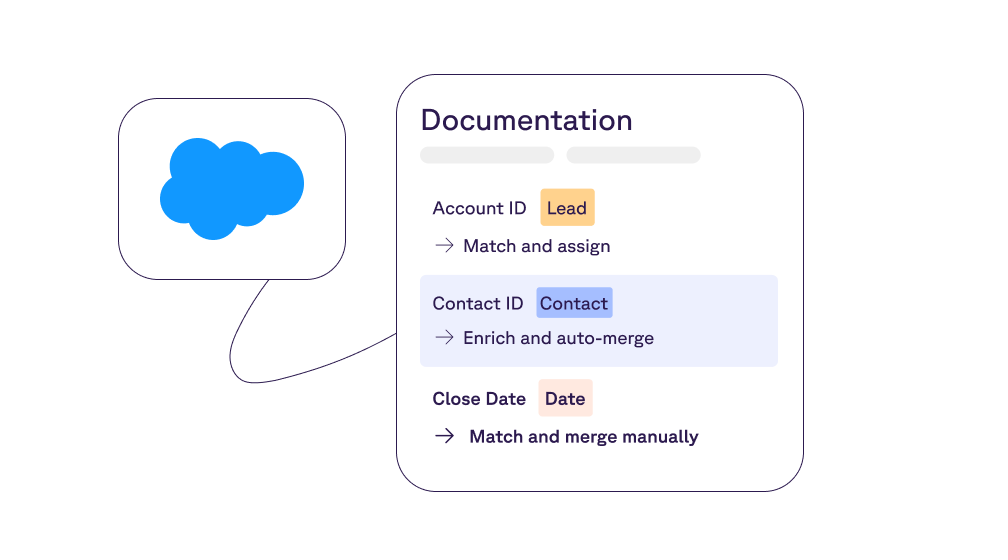
Debugging that’s clear and safe
Sweep eliminates the guesswork from troubleshooting. Every automation run is logged with precision, and failed steps are isolated to prevent cascading issues across workflows.
- Transparent execution logs for step-by-step visibility
- Non-disruptive error handling keeps other processes running
- Real-time notifications highlight issues before they spread
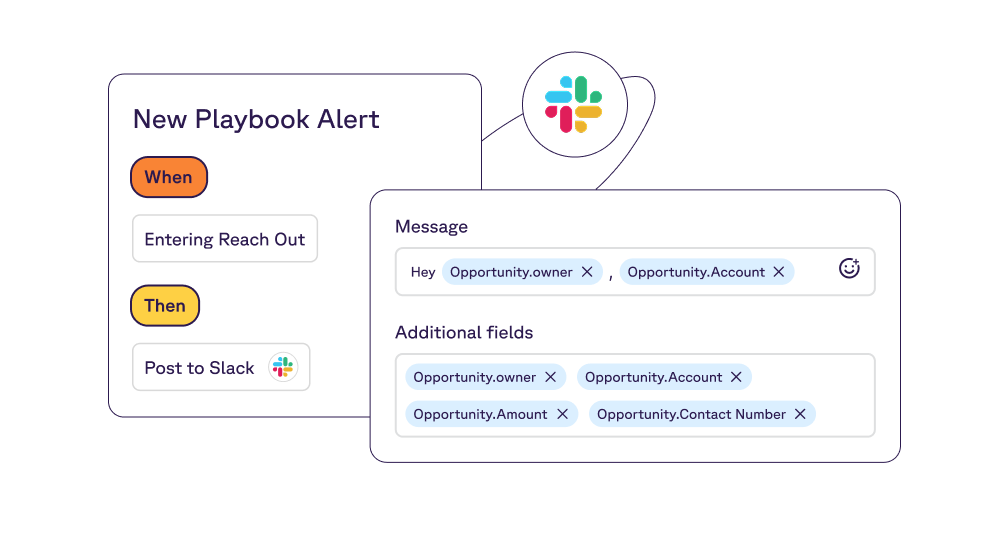
Reliable execution order every time
Sweep gives admins confidence that every automation runs exactly when and how it should. Sync actions execute instantly, async tasks are queued without collisions, and execution phases ensure stability.
- Automations evaluated in the correct order (before-insert, after-insert, before-update)
- Critical updates run synchronously; secondary actions run asynchronously
- Transaction-safe design prevents cascading failures across processes
Real users. Real time saved.

Challenge:
Managing Salesforce automations with LeanData was costly and cumbersome for Esper’s RevOps team. Ed Cho, RevOps Manager, needed a way to both streamline workflows and reduce spend.
Implementation:
By moving from LeanData to Sweep, Esper consolidated tools, simplified automation management, and gave GTM teams a more intuitive experience.
Results:
- 25% reduction in tool costs
- Automations built 33% faster than in Salesforce Flow
- Enhanced functionality with fewer systems to manage
"Sweep enabled us to streamline processes, save money, and provide our GTM teams with a more intuitive system."



Challenge:
EquityBee’s pivot from retail to institutional investors demanded a faster, more reliable Salesforce process. Manual updates, slow funnel progression, and inefficient reporting created bottlenecks at a time when scale and accuracy were critical.
Implementation:
With Sweep, EquityBee automated stage progression, streamlined workflows, and improved funnel reporting. Sweep’s Metadata Maps ensured alignment between sales reps and leadership while eliminating hours of manual Salesforce updates.
Results:
- 46% increase in rep capacity
- Hundreds of new opportunities processed monthly with confidence
- 12+ hours saved per rep monthly by eliminating manual updates
“The opportunity cost of inefficiency is huge now that we’ve moved to institutional. Becoming a Sweep customer at the same time made such a big difference — we saw exponential improvements right away.”



Challenge:
As RevOps Manager, Paolo Cavalli balanced Salesforce management alongside many other responsibilities. He needed automation that would maximize his time without requiring deep technical expertise.
Implementation:
Paolo adopted Sweep Automations to simplify complex workflows and reduce reliance on manual updates.
Results:
- Significant time savings on Salesforce management
- Reduced costs from automation efficiency
- More bandwidth to focus on strategic projects
“I think the most impactful feature was the automations. Ultimately it came down to all the time I could save and all the money we could save the company.”


Automate Salesforce with confidence
Explore how Sweep empowers teams to automate confidently, scale efficiently, and maintain full visibility across Salesforce.