
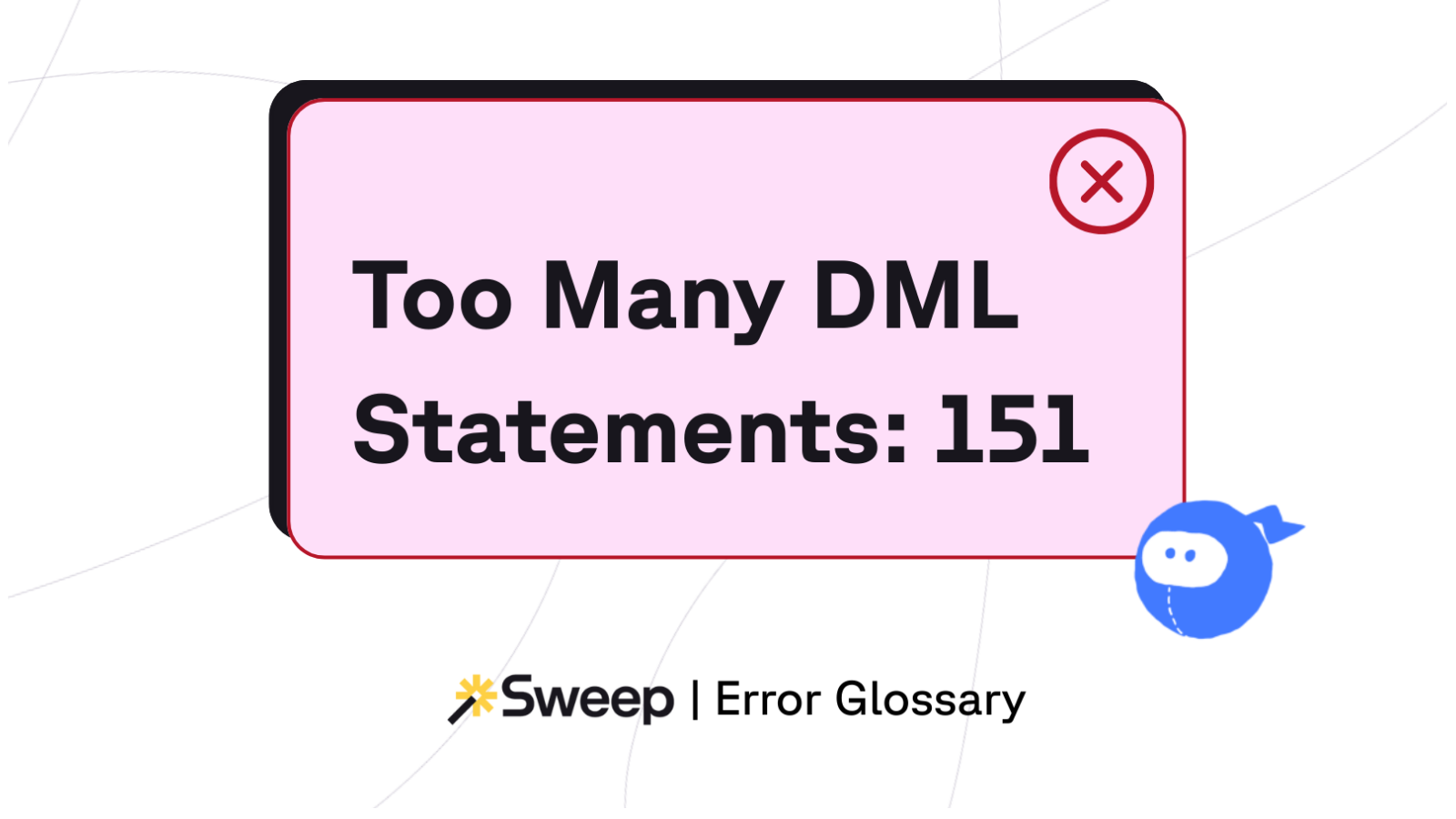
TL;DR: Salesforce limits each transaction to 150 DML statements (INSERT, UPDATE, UPSERT, DELETE). If your automation fires the 151st, Salesforce stops the transaction, rolls everything back, and throws the error:
System.LimitException: Too many DML statements: 151.
*
This guide explains what the error means, why it happens, and how to fix it — including how Sweep helps you detect and prevent DML limit violations before they reach production. It's part of our catalog of Agentforce errors — agents make this limit trip more often, not less.
Salesforce protects its multitenant architecture with strict governor limits, and the DML cap is one of the most important. Every DML statement:
When your transaction performs more than 150 DML operations, Salesforce terminates the transaction and reverts all changes.
This is a hard system limit — no retries, no partial commits, no exceptions.
What Counts Toward the DML Limit (and What Doesn’t)
Understanding this distinction is critical for Salesforce admins and architects.
Key insight:
You can loop thousands of records without issue — the limit is triggered only when you save records too many times.
This is the #1 cause globally.
1 record = 1 DML.
200 records = 200 DML.
→ Immediate limit violation.
A single update may trigger:
Each one may perform DML, meaning your “one update” becomes many. The same stack also burns CPU budget fast… see Apex CPU time limit exceeded for the related fix.
Record A updates Record B → which updates Record A → which updates Record B…
Even small loops blow through DML quickly.
Recursion patterns this shape almost always also surface Too Many SOQL Queries: 101 — same architectural problem, different governor.
After-Save Flows always perform implicit DML.
If the work could be done Before-Save, you avoid an entire DML statement.
Packages often re-save records or maintain internal audit logs.
All of that counts toward your 150 limit.
Set Apex Profiling → FINEST.
Reproduce the error.
Look for:
Search logs for:
LIMIT_USAGE_FOR_NS
You’ll see which automation (your code or packages) is consuming DML statements.
How to Fix “Too Many DML Statements”
DML Limit Prevention Checklist (Before You Deploy)
Ask yourself:
When Integrations Trigger DML Limit Errors
If the error originates from an external system:
DML statement limits aren’t arbitrary — they’re a signal your automation architecture is performing unnecessary or repetitive updates.
Fixing this isn’t about squeezing around the limit. It’s about building an org where:
That's the difference between an org compounding Salesforce technical debt and one keeping it in check.
See how Sweep maps every automation, dependency, and execution chain — so you can identify excessive DML behavior in seconds.
Explore the Automation Map →
Sweep gives teams unmatched visibility into DML-heavy automation patterns:
Sweep reveals:
Sweep’s Impact Analysis flags:
CPU and DML errors often appear months later, after small, untracked changes stack up. Sweep centralizes automation documentation so teams don’t unknowingly recreate the same problems.
*****
For the rest of the failure modes that compound this one — runtime, permission, API, and integration errors — see our catalog of Agentforce errors.