Turn Salesforcemetadata analysisinto interactive artifacts
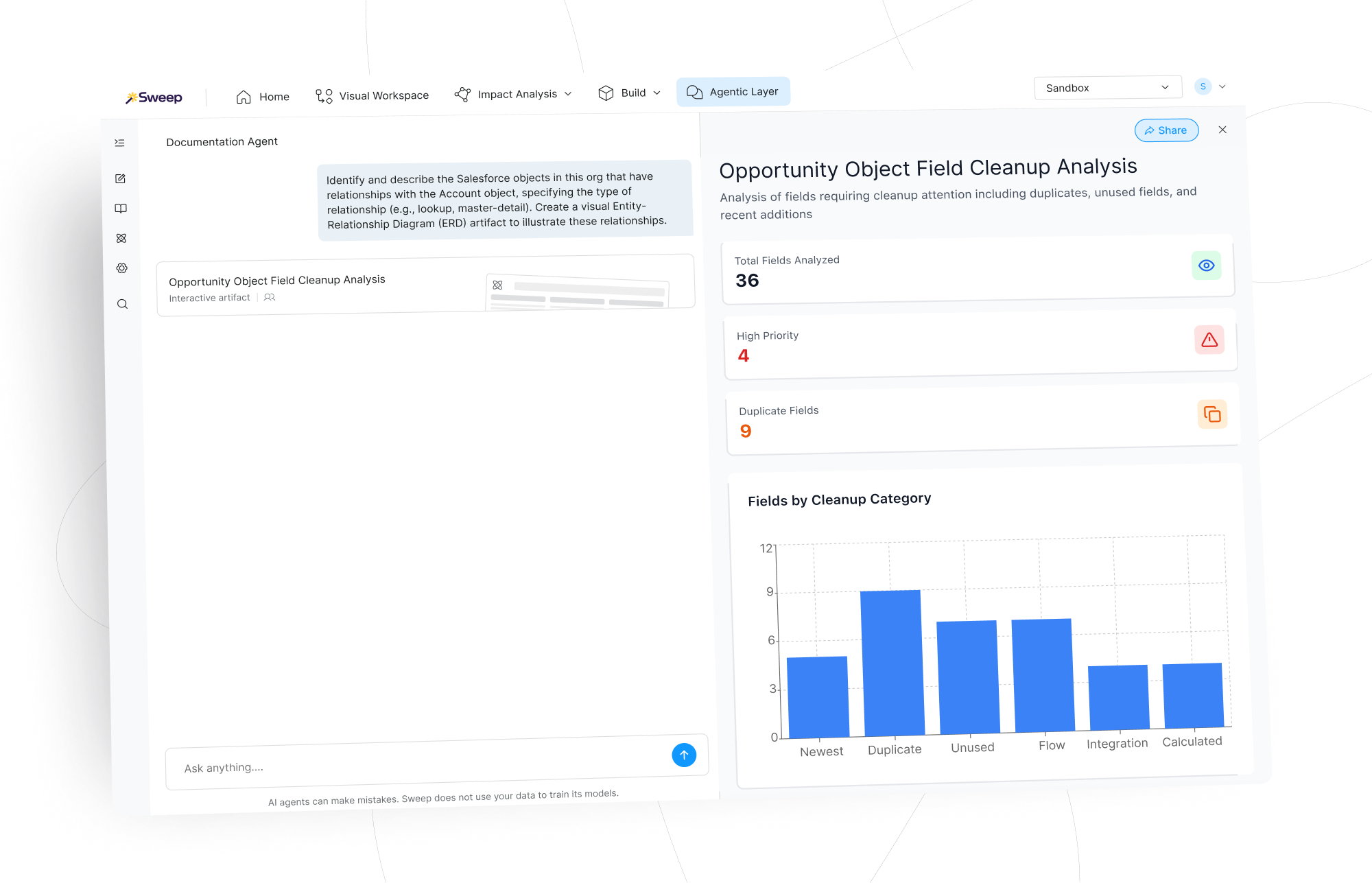
Salesforce metadata analysis often produces large volumes of technical findings. Admins export spreadsheets, manually build pivot tables, and assemble charts just to make those insights understandable to stakeholders. Sweep Artifact Mode transforms metadata analysis into charts, summary metrics, and filters they can explore directly. Insights become visual, explorable mini-apps that help both technical and non-technical stakeholders understand what’s happening.
Interactive metadata analysis features and capabilities
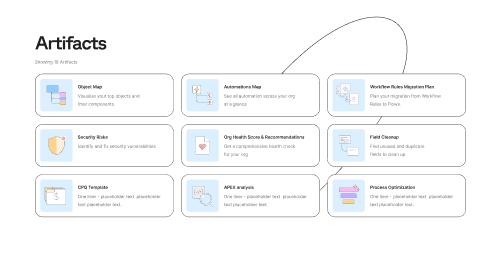
Automatically generate visual artifacts
Artifact Mode quickly converts otherwise text-heavy explanations and analysis into artifacts with charts, metrics, and filters that allow teams to explore findings visually.
Instead of reading static reports, teams can filter, drill down, and move from high-level insights to detailed investigation, identifying issues or patterns within complex metadata without exporting anything.
- Generate charts and visual summaries automatically
- Filter findings by category, priority, or metadata type
- Drill down from high-level insights into specific objects or components
- Explore complex analysis through interactive views
Shareable analysis for every stakeholder
Given that technical metadata findings can be difficult for business stakeholders to interpret, admins often spend hours exporting data into spreadsheets, manually building charts, and structuring results before sharing with leadership.
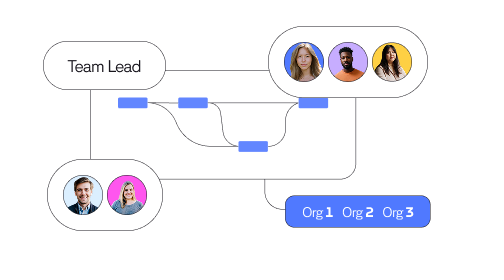
Artifact Mode eliminates this step entirely by generating presentation-ready visualization automatically. That way, artifacts can be shared through simple links and stakeholders can explore directly without the need to navigate through technical reports.
- Produce stakeholder-ready charts and visual summaries
- Share artifacts with teammates, leaders, and executives
- Enable others to explore findings independently
- Replace spreadsheet exporting, manual chart-building, and static reports.
Built for complex Salesforce org analysis
Large Salesforce environments contain thousands of objects, fields, automations, and dependencies. Exploring these systems through text-based explanations alone can be difficult.
Artifact Mode provides visual representations that make complex system relationships easier to understand — whether your team is tackling legacy system modernization, preparing for Agentforce readiness, or running an AI governance audit.
This helps teams quickly identify issues, patterns, and opportunities within their metadata.
- Visualize complex metadata structures and relationships
- Identify patterns across large metadata datasets
- Make large-scale analysis easier to interpret
Customer stories

Challenge:
Salesforce admins and consultants frequently export metadata analysis results into spreadsheets and manually create charts, summaries, and slides to communicate findings. Preparing these outputs for stakeholder review can take hours for each analysis.
Implementation:
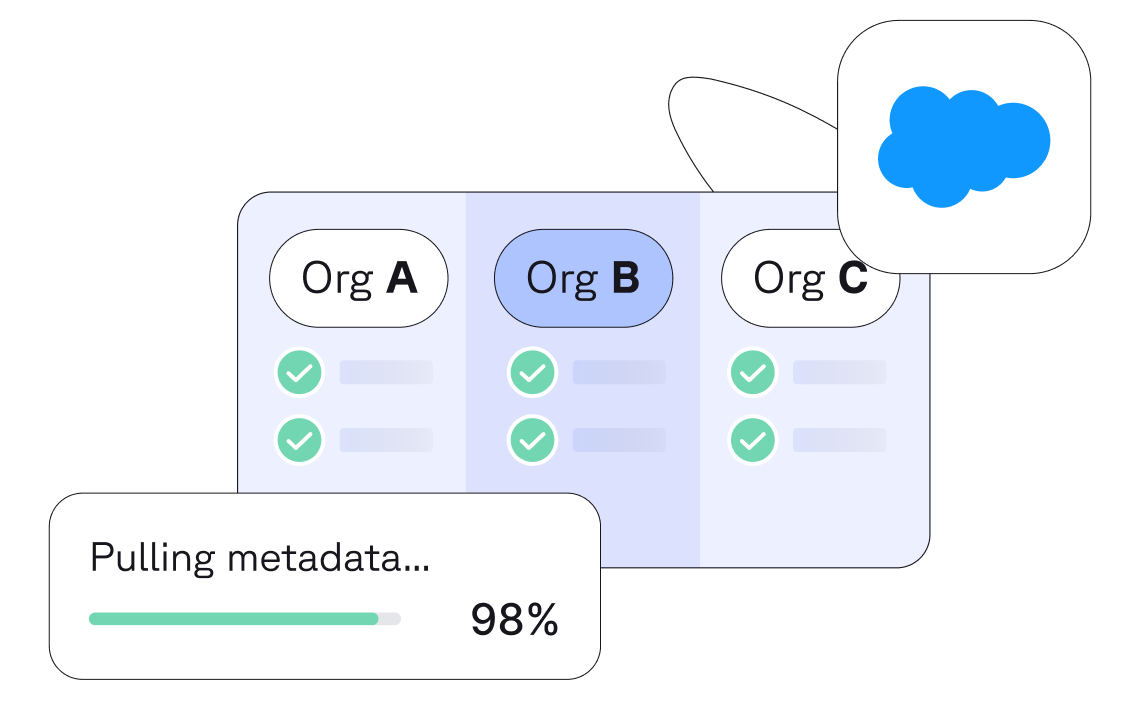
With Artifact Mode enabled, the Documentation Agent automatically converts metadata analysis into interactive visual artifacts. Instead of rebuilding charts manually, teams receive explorable insights immediately after analysis completes.
Results:
- Slide-building process reduced from 30–60 minutes to 2-5 minutes through presentation-ready artifacts
- Charts and visual summaries generated instantly
- Stakeholder-ready outputs without manual reporting work
“It feels like there’s an omniscient being living inside our Salesforce. I ask what a field touches, or what a Flow is doing, and it shows me everything instantly.”


Turn metadata analysis into shareable insights, instantly
Artifact Mode transforms Salesforce metadata analysis into visual outputs that teams can explore, present, and share.