
TL;DR: Salesforce is blocking your operation because the running user does not have access to a record referenced by the action.
This includes parent records, related records, junction objects, or any ID used in DML, sharing, lookup, or relationship fields.
(Though this error can happen at any time, it's part of our catalog of Agentforce errors — and it is part of our series on the 5 Errors that Break Your Agentforce).
The error appears as:
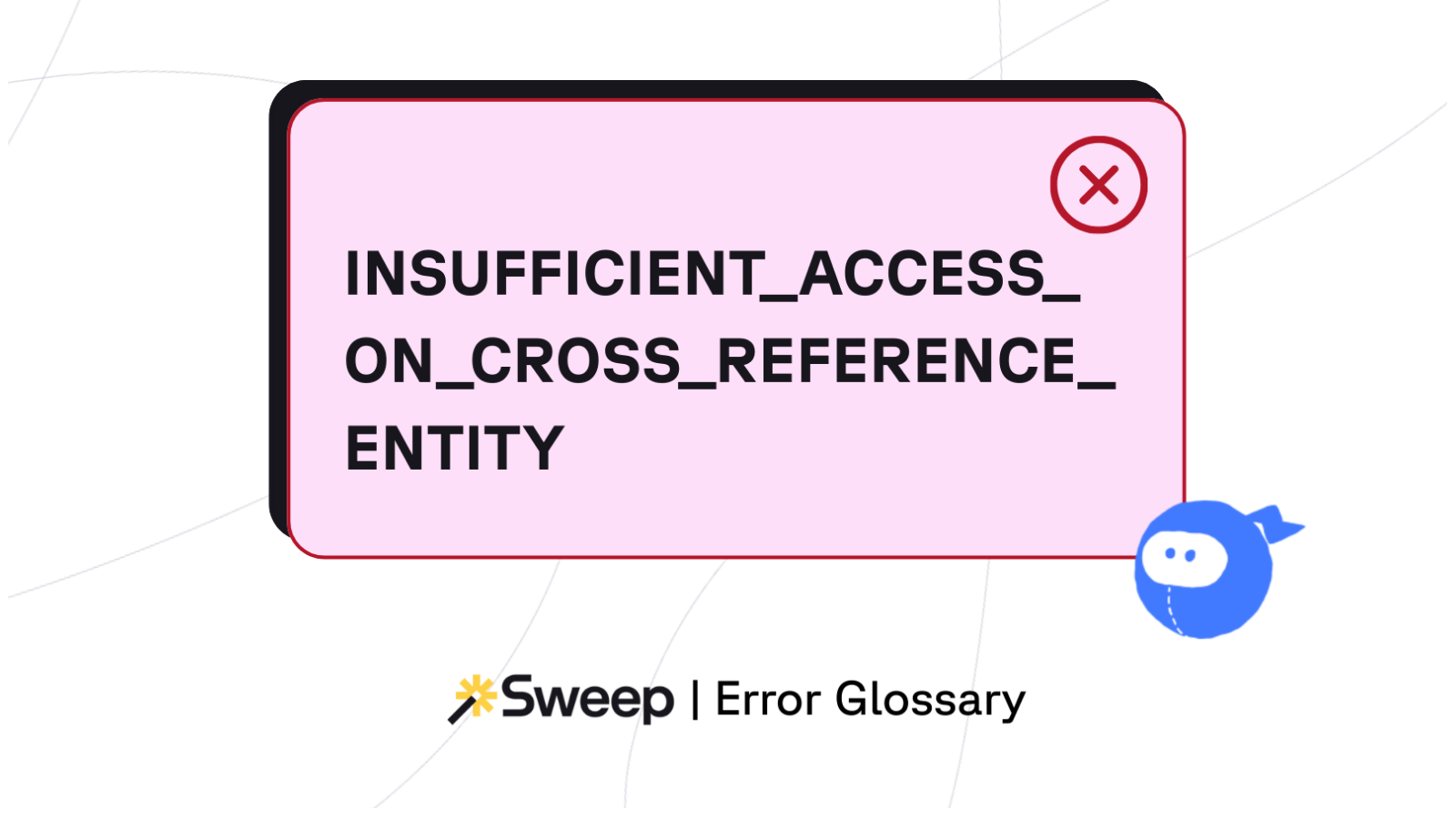
INSUFFICIENT_ACCESS_ON_CROSS_REFERENCE_ENTITY: insufficient access rights on cross-reference id
This is a permissions error — not a logic or data volume issue — and it typically means the user cannot see, edit, or reference a record that the automation is trying to touch.
When Salesforce encounters a record ID during a save operation, it checks whether the running user has the right to interact with that record.
If the user lacks access (read, edit, delete, share, or reference), Salesforce immediately stops the transaction.
This can occur during:
In short:
The user is touching a record they are not allowed to touch.
A “cross-reference entity” is any record Salesforce must access as part of your operation. Common examples:
If any of these is inaccessible, the whole transaction fails.
You reference a field the user cannot read/edit, or an object the user cannot access.
Examples:
Even with object permissions, the user may not have record-level access.
Scenarios:
Flows run in user context unless specified otherwise. If they reference parent/child records the user can’t see, the error is triggered.
(Apex may run in system context, but not always.)
User-context execution is also a common amplifier of FIELD_CUSTOM_VALIDATION_EXCEPTION: the running user trips validation logic the system context would have bypassed.
If you're setting a lookup field to a record the user can’t see, Salesforce rejects the update.
Example:
Trying to set Account on a Contact when the user can't access that Account.
Packages often include custom sharing models.
Your user may lack access even if the object is technically visible.
Common culprit: middleware authenticates as a user with restricted permissions, causing failures during record creation or linking. Identity-mapping failures of this shape are also the most common cause of Agentforce Slack integration errors: same root problem, different symptom surface.
The error usually includes an ID.
Use that ID to check:
Make sure the running user can:
If OWD = Private or Controlled by Parent, confirm:
Flows with “User Context” are the #1 modern cause.
Check:
Many errors come from automation referencing deeply nested relationships.
Example:
Flow updates a Contact → references Account.Owner → queries Opportunity → references a private Quote → error.
This, particularly, is governance work, not configuration. See our guide to governing change in Salesforce at scale.
Before you deploy:
Common signs:
Fixes:
This is not a data problem — it’s an access problem. To fix it, you must understand who can see what, how your sharing model works, and where your automation runs in user vs. system context.
Once you solve the access mismatch, the error disappears.
Sweep helps with:
See every Flow, trigger, and reference that touches related records across objects.
Spot where a Flow or PB tries to access a record the user cannot see.
Sweep’s metadata documentation shows which automations run with user permissions, helping you avoid permission-based failures.
Impact Analysis flags:
See how Sweep visualizes automation dependencies, object relationships, and execution context so you can spot permission conflicts immediately. Explore the Automation Map.
Working through other Agentforce failure modes? See the catalog of Agentforce errors.