

TL;DR: Sweep replaces manual Salesforce org digging with instant metadata visibility, AI-generated documentation, and context-aware build automation. Admins, Developers, and CTAs dramatically reduce troubleshooting and analysis time while shipping changes 2–3× faster. The result is clear, reliable org understanding and execution without the repetitive setup hunting.
If you’ve ever inherited a complex Salesforce org with hundreds or thousands of custom objects, flows, automations, triggers, page layouts, and more, you know the pain of trying to reverse-engineer how everything fits together. Teams often rely on scattered spreadsheets, tribal knowledge, or manual Setup exploration just to understand what lives in the org and what the dependencies are.
But as orgs grow, that approach quickly becomes unsustainable. Without reliable documentation and an accurate picture of what’s built, teams face project delays, risk of breaking existing logic, difficulty onboarding new team members, and limited ability to evolve with confidence.
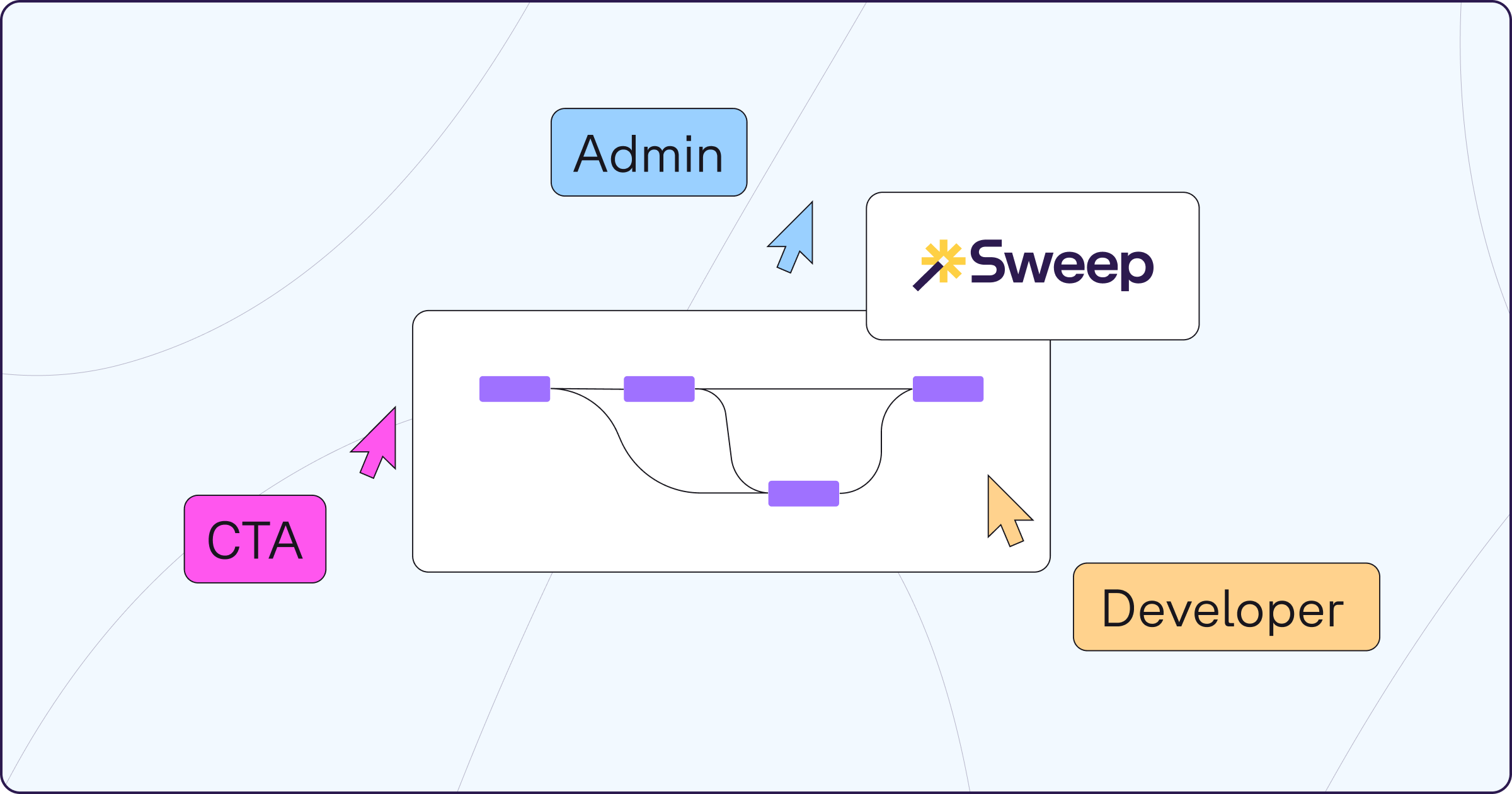
That’s why for serious enterprise work, including migrations, optimizations, org merges, or compliance efforts, manual analysis is no longer good enough. This blog walks through a real day in the life of each persona, showing how org analysis is done in native Salesforce today and how the workflow transforms when Sweep is added to the toolkit.
The Day-to-Day Reality in Native Salesforce
Most Admins begin the day trying to answer questions from users or stakeholders. A field is not updating as expected. A validation rule is blocking a process. A Flow is misfiring or seems to be out of date. To get answers, the Admin moves between Setup Home, Object Manager, Flow Builder, Salesforce Optimizer, and metadata search tools.
Investigating something like Opportunity means reviewing multiple Flows, checking past versions, scanning validation rules, comparing page layouts, and reading related documentation that is often outdated. Many admins in the Trailblazer Community describe this workflow as a combination of patience, repetition, and a lot of tabs open.
This approach takes significant time, and it is easy to overlook logic that lives in another part of the org.
The Day-to-Day Reality in Sweep
With Sweep connected, the Admin starts the day in the Visual Workspace and AI-powered Documentation. Instead of chasing configuration across Setup, the Admin clicks on the Opportunity and immediately sees all relevant automation: assignment rules, validation rules, Flows, Apex Triggers, and approval processes.
Metadata documentation is generated automatically. Each item includes a clear description, dependencies, references, and related objects or record types. The Admin can ask the Agentic Layer questions such as:
Troubleshooting becomes structured and predictable, cutting investigation time by ~90%.
And because Sweep understands how every piece of metadata interacts, the Admin can immediately build or update configurations using the new Build Mode Agents. Instead of hunting through Setup, the Admin prompts:
Sweep generates or updates these configurations, aligning them with existing dependencies and patterns. Administrative work shifts from searching for information to acting on it instantly.
The Day-to-Day Reality in Native Salesforce
Developers spend much of their day reviewing Apex classes and triggers, evaluating SOQL queries, understanding how custom code interacts with Flows or Process Builders, and identifying what might break with a change. Commonly, this involves the Developer Console, VS Code, and manually inspecting automations that might interact with the code.
Developers often rely on their own experience and tribal knowledge to interpret execution behavior. In community discussions, many describe discovering unexpected Flows or triggers only after something fails in a sandbox.
This creates uncertainty, especially when refactoring or preparing for major changes.
The Day-to-Day Reality in Sweep
With Sweep, the Developer begins by opening the Sweep’s Documentation Agent to see exactly where Apex sits within the automation chain. Clicking an Apex trigger shows all related Flows, validation rules, referenced objects, downstream logic, and dependency paths.
Sweep auto-documents code behavior and metadata interactions, giving developers clarity before writing or modifying anything. This reduces iteration cycles and helps teams ship projects 2–3× faster with fewer surprises.
And when Developers are ready to build, the Build Mode Agents accelerate the entire process. Instead of manually reconstructing metadata context and hunting through Setup, developers can prompt Sweep to generate or modify configurations aligned with the rest of the org:
Sweep’s metadata intelligence ensures the output is consistent with org standards, avoids conflicts, and integrates seamlessly with existing automation acting like a context-aware co-developer.
The Day-to-Day Reality in Native Salesforce
Certified Technical Architects (CTAs) are responsible for designing scalable architecture, evaluating risk, and guiding long term planning. To understand an org, they gather information from multiple places: stakeholder interviews, spreadsheets maintained by internal teams, exported metadata from the Metadata API, security reports, and visual diagrams assembled by hand.
Salesforce’s own CTA preparation materials emphasize the need to construct a complete and reliable mental model of the org. However, native Salesforce tools do not provide a single place where that model is visible. The CTA must assemble it manually.
As a result, much of the day is spent gathering information instead of shaping strategy.
The Day-to-Day Reality in Sweep
Sweep delivers a full metadata inventory upfront, including automation, security models, Apex, UI elements, and more, all visualized in the end-to-end Visual Workspace. CTAs can ask questions like:
This foundational visibility reduces org analysis time by up to 80%, freeing CTAs to focus on strategy, not discovery.
And when CTAs move from analysis to architecture execution, the Build Mode Agents help prototype and implement the intended design. CTAs can:
Instead of handing off architecture recommendations abstractly, CTAs can now create the first version of the solution directly in Sweep — with AI ensuring consistency and compliance across the org.
Whether you are an Admin resolving an issue, a Developer preparing a release, or a CTA evaluating an org during discovery, the difference between native Salesforce analysis and Sweep-powered analysis is substantial.
Native Salesforce:
Sweep:
Salesforce teams leveraging Sweep report cutting manual documentation hours by 90%, delivering projects 2–3× faster with real-time visibility and confidence, and reducing org analysis time by up to 80%.